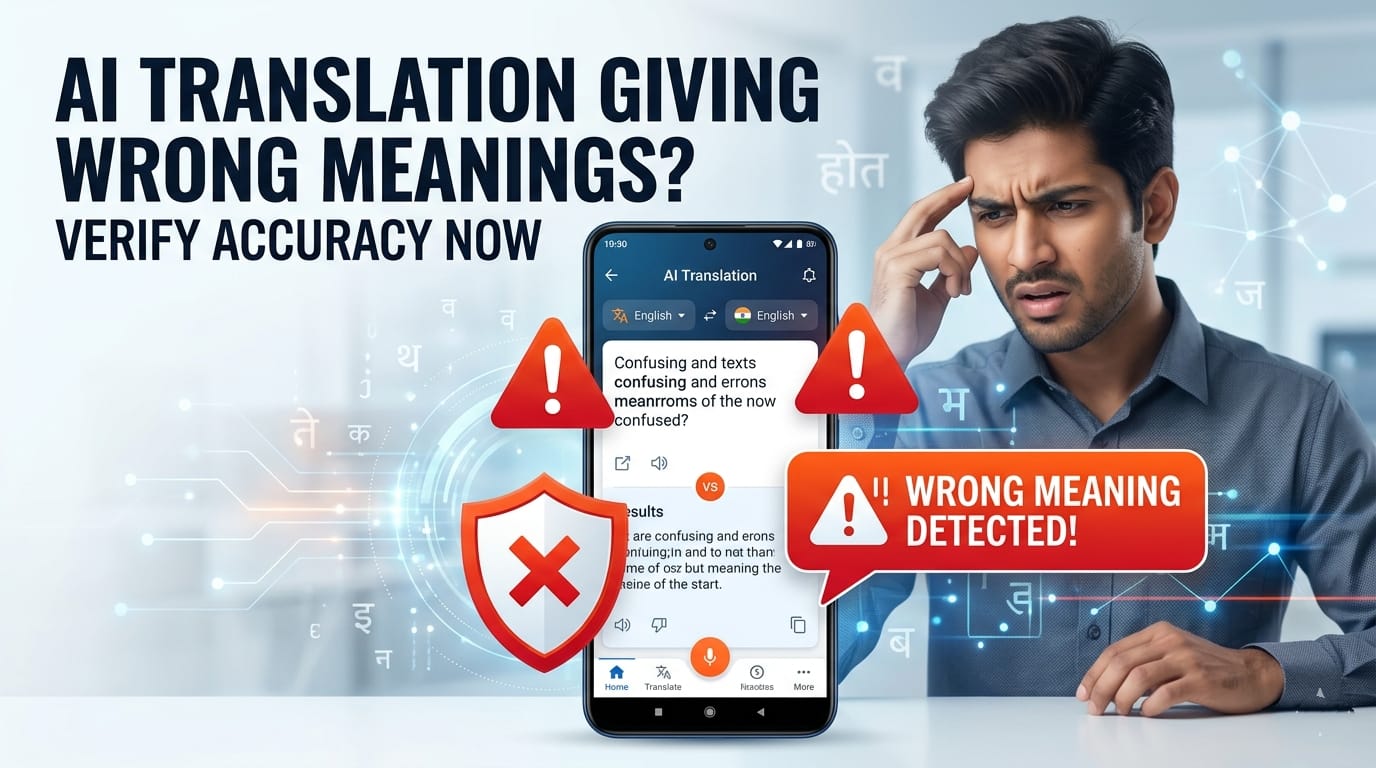
Imagine you are a freelance designer or a student working with a client from Germany or Japan. They send you feedback on a project layout in their native language. You copy the text, paste it into a popular AI translation app, and it reads smoothly: “The design looks completely clean. Do not change anything.”
Relieved, you close the file and submit it. The next morning, you wake up to an angry message.
What went wrong? It turns out the client actually wrote a polite critique saying the design was too plain and needed massive revisions. The AI translated the words perfectly into natural English, but it got the core message backward.
But here’s the real issue: today’s AI tools are incredibly fluent, which makes their mistakes much harder to catch. When a translation app spits out a sentence that sounds grammatically perfect, our brains automatically assume the meaning is correct. This is the illusion of confidence. The AI doesn’t pause, it doesn’t use a question mark when it’s unsure, and it doesn’t hesitate. It can give you a completely wrong answer with absolute certainty.
Let’s be practical. If you are an Indian student translating research papers, a professional dealing with cross-border clients, or a beginner trying to learn a new language, blind reliance on a single AI translation app can cause serious misunderstandings. Let’s look at why these systems make mistakes and how you can protect your work.
1. The Core Crisis: AI Translation “Mistakes” vs. “Hallucinations”
When human translators make a mistake, it usually looks like a clunky sentence or an awkward word choice. It stands out immediately. AI is different. It creates fluent mistranslations—sentences that look flawless on the surface but carry a completely altered meaning underneath.
Now think about this: if a sentence reads beautifully, you have no natural reason to doubt it. This is why AI errors are so risky in high-stakes situations. Independent evaluations have found that AI translation systems can make noticeable errors, particularly in complex legal, technical, or domain-specific content.
A single misplaced word can completely flip an obligation in a business agreement. For example, confusing a subtle language feature or a number can turn a minor instruction into a major compliance issue. When the stakes are high, fluency should never be confused with accuracy.
2. Anatomy of the Error: Why AI Meaning Shifts
To understand how to fix these errors, we first need to look at why an advanced AI model fails at basic translation.
Contextual Blind Spots
AI models do not read a paragraph with genuine human understanding. They operate on probabilities, predicting the next most logical word based on patterns in their training data. Because of this probabilistic nature, if a sentence can have two different meanings based on subtle context, the AI might simply choose the more common word pattern rather than the specific one that fits your industry.
The Idiom and Culture Gap
Every language has its own unique local slang, idioms, and cultural nuances. When AI translates these literally, the results can be confusing. For instance, if an Indian client uses a Hindi phrase like “Dimaag mat khao” and an AI translates it literally to an international client as “Don’t eat my brain,” the professional tone is instantly lost.
Homophone and Ambiguity Confusion
Words that sound similar or look identical but hold entirely different meanings often trip up translation algorithms. Without a deep, holistic view of the document, the AI can easily pick the wrong definition and build an entire paragraph around an incorrect assumption.
Missing Fragments and Patchwork
When you feed an incomplete sentence or a quick bullet point into an AI app, it tries to fill in the blanks to make the final text sound complete. In doing so, the AI sometimes adds its own contextual assumptions, subtly changing your original message.
3. Step-by-Step Blueprint: How to Verify Accuracy
You don’t need to learn ten different languages to verify your text. You just need a smart verification workflow. Here are four practical methods you can use right on your phone or laptop.
The Back-Translation Trick
This is one of the simplest verification hacks available. Once you get your translated text from an app, copy that output, open a completely separate tab or tool, and translate it back into your original language.
If your original text was “Your payment is due,” and the back-translation comes out as “You need to pay now,” you know the core intent survived. If the back-translation looks completely different, the AI likely missed the context.
Cross-Engine Benchmarking
Never rely on just one app for high-stakes text. Different AI models excel at different language pairs. Try comparing outputs across a few distinct platforms to see where they agree or differ.
Reverse Dictionary Lookup
If your translated text contains a highly critical word—like a specific legal right, a delivery deadline, or a financial term—don’t take the AI’s word for it. Isolate that specific foreign word and run it through a standard dictionary to check its alternate meanings and ensure it matches your intent.
The Contextual Feeding Method
Instead of just pasting raw text into an AI tool, give it some background context first. A basic prompt like “Translate this” leaves too much room for error. Instead, try framing your prompt like this:
“You are translating a formal contract from an international supplier. Translate the following text into English, ensuring the technical business terms remain precise and professional.”
4. Advanced Evaluation Framework for Professionals
If you are using AI translations for professional business communication, marketing material, or legal documents, a casual approach isn’t enough. You need an organized workflow.
- Understand Basic Quality Metrics: Professionals evaluate translation quality based on three pillars: Accuracy (is the meaning correct?), Fluency (does it read naturally?), and Style (is the tone appropriate?). When checking AI work, look at each pillar separately.
- Set Up Glossaries and Brand Guides: When dealing with regular business clients, create a small text document containing terms unique to your industry or company. Before translating, feed this list to your AI model and instruct it: “Here is a list of specific terms that must always be translated exactly as specified in this guide.” This keeps your translation consistent.
- The Human-in-the-Loop (HITL) Workflow: Let’s look at the most efficient, realistic approach: use AI to handle 90% of the heavy lifting, speed up the process, and generate initial drafts. However, for the final 10%—especially high-risk items like public advertisements, signed agreements, or website homepages—always have a native human speaker review the output to catch subtle nuances.
5. Smart Tools and Alternatives to Manual Checking
To make your translation workflow more reliable, you can mix standard translation engines with advanced LLMs and automated quality tools.
Dedicated Translation Engines vs. Large Language Models
Platforms like DeepL Translate use dedicated neural networks designed specifically for contextual translation tasks, making them strong choices for standard documentation. On the other hand, general LLMs like ChatGPT (OpenAI) or Claude (Anthropic) allow you to interactively prompt for tone changes, style adjustments, and localized phrasing.
Automated Quality Review
For larger enterprise workflows, modern localization platforms often integrate automated quality estimation tools. Features like those found in advanced translation management systems can scan an AI-generated output and assign a quality score based on semantic similarity, flagging sentences where the meaning deviates significantly from the source text.
(You may also read about our guide on the best free AI tools for students to discover platforms that offer reliable text handling features).
6. Real-World AI Categories: Tools to Compare and Use
| AI Tool Name | Primary Strength | Best Practical Use-Case | Limitation to Keep in Mind |
|---|---|---|---|
| DeepL Translate | Known for natural-sounding translations and strong contextual handling. | Writing emails to international clients or translating formal documents. | Supports fewer Indian regional languages compared to older platforms. |
| Google Translate | Massive vocabulary and extensive language coverage. | Quick text translations when reading news or local regional updates. | Can sometimes prioritize literal word-to-word translation over context. |
| ChatGPT (OpenAI) | Highly customizable tone, style, and interactive prompting. | Redrafting translated content to match specific professional styles. | Can occasionally generate overly verbose text if not prompted carefully. |
| Claude (Anthropic) | Often used for analyzing long-form and technical text. | Analyzing and translating multi-page reports or academic papers. | Requires clear prompting to avoid changing the formatting of the original document. |
Real-World Scenarios: Softening the Risks
The Localization Challenge
During the global popularity of various photo and avatar editing apps like Lensa AI, some users reported confusion about pricing descriptions and purchase expectations. This often happens because global apps use automated localization tools that translate pricing disclaimers literally, masking the precise difference between one-time fees and recurring platform subscriptions.
The Professional Communication Slip
Many freelance writers use basic web translators to pitch to international publications. A common issue is that standard translation tools often struggle with professional subtext. A phrase meant to sound enthusiastic in one language can easily translate to sounding demanding or informal in another.
(Check out our separate breakdown on AI productivity hacks to see how to maximize these tools without losing quality).
Don’t forget
- Avoid translating highly sensitive documents blindly: For medical, legal, or high-stakes financial texts, standard AI tools have noticeable error rates. Always secure professional human verification.
- Watch out for absolute phrases: If an AI uses words like “never” or “always” in the translation, cross-check the original text to ensure the constraint was actually that strict.
- Use simple language for better results: If you feed complex, winding sentences with multiple clauses into an AI, the chance of a meaning shift increases. Keep your source text clear and direct.
- Check privacy policies for sensitive data: If you are translating private company data, ensure the platform’s policy doesn’t use your inputs to train public, accessible models.
Summary Checklist for Daily Use
The next time you need to translate an important message on your phone, you don’t have to guess if it’s accurate. Follow this quick, 3-step emergency verification plan:
- Translate your text using your primary app (e.g., DeepL or ChatGPT).
- Paste the output into a completely different tool (e.g., Google Translate) and convert it back to your native language to verify that the core meaning remains intact.
- Scan for critical keywords like dates, numbers, or key operational terms using a basic dictionary lookup if any phrase feels unusual or out of place.
AI tools are incredible assistants that save hours of manual writing and reading. However, a small amount of systematic human verification ensures your professional relationships, grades, and communications stay completely accurate.
Disclaimer: This article is for educational and informational purposes only. It should not be considered financial, technical, or professional advice. Readers should verify tools and use them at their own discretion.
Leave a Reply