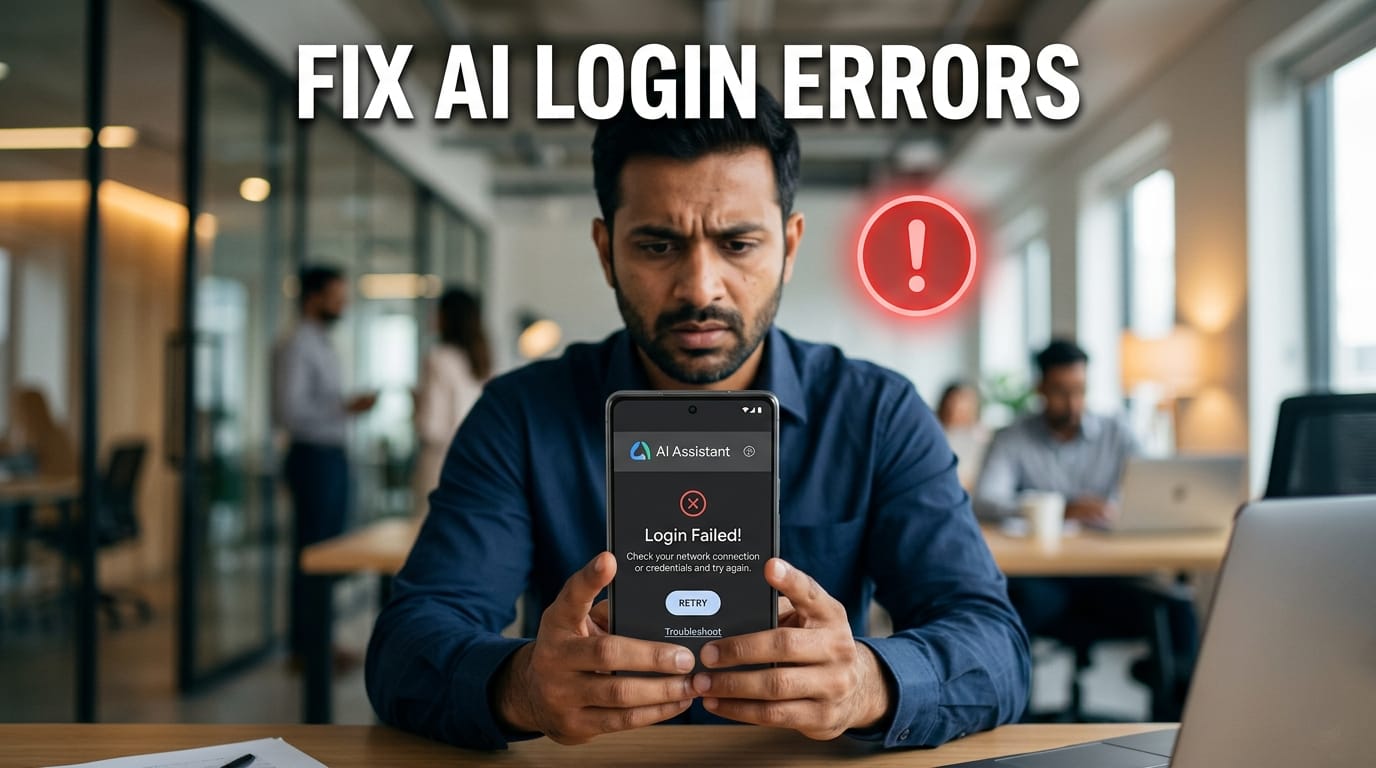
Picture this: You are right in the middle of an urgent project, college assignment, or client presentation. You open ChatGPT, Claude, or Midjourney to polish your work, and boom—you are locked out. The login page spins endlessly, throws a cryptic error, or keeps bouncing you back to the start.
Few things match the frustration of watching a loading spinner when you have a strict deadline. If you are facing AI app login failures in India right now, don’t panic. You aren’t banned, and your internet isn’t necessarily broken.
Let’s look at why this happens on Indian networks and walk through safe, step-by-step troubleshooting methods to get you back to work immediately.
Why Do AI Apps Keep Crashing or Blocking Logins?
When an AI tool fails to load, the first reaction is usually, “Is my account deleted?” Most of the time, the culprit is much simpler.
The Indian Context Error Codes
Indian users frequently face specific hurdles that users in other regions rarely encounter:
“Service not available in your country”: This often pops up if your network routes through an unstable IP address or if you are using a misconfigured VPN.
“High traffic / Server overload”: Because peak working hours in India overlap with massive global user traffic, servers frequently hit capacity limits.
OTP not received: Delays in SMS delivery can sometimes occur due to network congestion, telecom routing issues, or authentication service delays.
Is It Down, or Is It You?
Before changing any settings on your device, check if the problem is on the AI company’s side. You don’t want to waste thirty minutes resetting your router if the entire platform is offline.
DownDetector: Visit Downdetector.in and search for the specific app (like OpenAI or Microsoft). It shows real-time user reports of outages.
Official Server Status Pages: Tools like Claude (status.anthropic.com) and ChatGPT (status.openai.com) maintain public dashboards showing exactly which systems are operational.
Social Media: A quick search on X (formerly Twitter) for phrases like “ChatGPT down” or “Claude login” will instantly confirm if hundreds of others are facing the same issue.
Network Checkpoints: Fixing ISP and Connection Glitches
Your internet service provider (ISP) plays a massive role in how smoothly your device communicates with global AI servers.
ISP-Specific Restrictions (Jio, Airtel, Vodafone-Idea)
Sometimes, Indian telcos update their DNS (Domain Name System) registries, causing temporary blocks on international login scripts. If your login page hangs on a blank white screen, switching your DNS often solves it.
You can safely change your device’s DNS to Google’s public DNS:
- Go to your network settings.
- Look for Private DNS.
- Change it from automatic to manual and enter dns.google or use Cloudflare’s 1.1.1.1.
The VPN Double-Edged Sword
Many users switch on a VPN the moment a page fails to load. While a VPN can bypass local network blocks, it is a risky move with AI tools.
Major platforms like OpenAI and Anthropic actively monitor and block known VPN IP addresses to prevent bot attacks. If you log in via a flagged VPN server, the platform might temporarily lock your account for suspicious activity. If you are using a VPN, try disabling it temporarily to determine whether it is causing the login issue.
Cloudflare Captcha Loops
Have you ever been trapped in an endless loop of clicking traffic lights and crosswalks? This happens because many Indian ISPs assign “dynamic” IP addresses that change frequently. Security systems like Cloudflare flag these rapidly shifting IPs as potential bot networks.
To break the loop, try turning off your Wi-Fi, enabling mobile data for two minutes to get a fresh IP from your telco, and reloading the page.
Device and App-Level Sanity Checks
If the servers are up and your network is fine, the issue lives inside your browser or device storage.
Browser Cache vs. App Data
Web browsers hoard data to load websites faster. Over time, old login scripts conflict with new updates rolled out by AI companies.
On Desktop: Open your browser settings, clear cached images and files for the past 24 hours, and try again.
On Mobile Apps: Long-press the ChatGPT or Gemini app icon, go to App Info > Storage, and tap Clear Cache. Avoid clearing “Data” unless you don’t mind logging back into every account.
The Google/Apple ID Authentication Glitch
Using “Sign in with Google” or “Sign in with Apple” is incredibly convenient, but a mismatch in your browser’s active profile can break the loop. If you are signed into three different Gmail accounts on Chrome, the AI app might try authenticating with the wrong one.
Log out of your secondary Google accounts, or open a clean Incognito Window to sign in manually with your primary email and password.
Safety and Security Protocols
While trying to fix your access, keeping your personal data secure is non-negotiable.
Avoiding Fake AI Mirror Sites
When premium AI tools face outages, malicious lookalike apps pop up on the Google Play Store or search results. These “mirror sites” look identical to the real login pages but are designed to steal your credentials or credit card details. Always double-check the URL bar. It should read chatgpt.com, claude.ai, or gemini.google.com—nothing else.
Handling Two-Factor Authentication (2FA) Hurdles
If you aren’t receiving OTPs on your Indian phone number, switch your security settings to an Authenticator App (like Google Authenticator or Microsoft Authenticator) as soon as you manage to log in. These apps generate codes locally on your phone without relying on SMS networks.
Advanced Alternatives and Real-Life AI Backups
If you absolutely need an AI tool right now and the main web interface refuses to load, you can use these real-life alternative routes to keep working.
01. Perplexity AI (Productivity & Research)
If ChatGPT or Gemini’s login portals are down, Perplexity AI serves as an excellent alternative for real-time research, summarization, and writing. It combines web search with advanced language models, making it highly reliable for Indian professionals and students who need verified, cited facts for reports.
02. Open Router or OpenAI Playground (The Developer Route)
If the consumer interface (chatgpt.com) is broken, the developer backend often stays perfectly online. You can log into the OpenAI Playground or use a platform like OpenRouter. These platforms allow you to access models like GPT-4o or Claude 3.5 Sonnet directly via API access points, completely bypassing the standard login page bottlenecks.
03. Canva (Content Creation & Design)
When dedicated AI image generators like Midjourney or Dall-E are inaccessible due to Discord or server errors, Canva’s integrated AI tools (like Magic Design and Text to Image) offer a seamless, browser-based alternative. It is highly optimized for Indian creators making social media graphics or presentations without complex login requirements.
04. Zoho Writer (Daily Writing & Automation)
For Indian professionals stuck outside their usual AI writing tools, Zoho Writer features built-in, reliable AI assistants for proofreading, changing tones, and drafting emails. Since Zoho has a massive server infrastructure deeply rooted in India, it rarely faces local network access issues.
The 2-Minute Quick Reset Checklist
If you are in a rush, run down this quick checklist to resolve the issue rapidly.
| Action | Why it Helps | Time Required |
|---|---|---|
| Toggle Airplane Mode | Resets your mobile network connection and fetches a fresh IP address. | 10 seconds |
| Open Incognito Window | Bypasses corrupted browser extensions, cookies, and cache files. | 5 seconds |
| Switch from Wi-Fi to Mobile Data | Rules out broadband routing issues or local ISP-related blocks. | 10 seconds |
| Disable Ad-Blockers | Prevents privacy tools from accidentally blocking essential login scripts. | 15 seconds |
Toggle Airplane Mode Resets your mobile network connection and fetches a fresh IP address. 10 seconds
Open Incognito Window Bypasses all corrupted browser extensions, cookies, and cache files. 5 seconds
Switch from Wi-Fi to Mobile Data Rules out specific broadband routing issues or local ISP blocks. 10 seconds
Disable Ad-Blockers Prevents privacy shields from mistakenly blocking essential login scripts. 15 seconds
Take Note
Keep a Backup Tool Ready: Never rely entirely on a single AI application for your daily workflow; always have a secondary option configured and ready.
Bookmark Status Pages: Save the official server health links for your favorite tools in a dedicated bookmarks folder for instant access during errors.
Protect Your Credentials: Official AI support teams will never ask you for your password or account OTP over email or social media direct messages.
Update Apps Regularly: If you primarily use mobile applications, ensure automatic updates are enabled so security certificates stay current.
Disclaimer
This article is for educational and informational purposes only. It should not be considered technical, financial, or professional advice. Readers should verify tools and use them at their own discretion.
Leave a Reply