

Most people think that if they download an AI app, it should “just work” like a calculator. You’re in a remote area or stuck in a basement office with zero bars, and you try to use your AI assistant—only to see that dreaded “Check your connection” spinner.
But wait, isn’t the whole point of “Offline AI” to work without the cloud?
If your offline AI tools aren’t working on your mobile, it’s usually not a bug. It’s often a hardware-software “handshake” issue. Many mobile devices handle the massive computational weight of an AI model differently, and sometimes they need a little help to run smoothly.
The Reality of Offline AI Storage
We’re used to apps being 50MB or 100MB. But a real offline AI model (like a Large Language Model) is quite heavy. Even the compressed versions can take up significant GBs of space.
When you use tools like Google Gemini or specialized AI features, the app itself is often just the interface. The actual “brain” or model weights usually need to be downloaded separately. If that specific data download wasn’t completed over Wi-Fi, the app will naturally try to connect to the cloud to function.
Why Your Phone Might Struggle with Local AI
Now think about this: AI doesn’t just need storage; it needs processing power.
Older mid-range chips may struggle with advanced offline AI workloads. While modern flagship processors have dedicated NPUs (Neural Processing Units) designed for this, many common chipsets have to rely on the standard CPU/GPU, which can lead to slow responses or the app defaulting back to “Online Mode” to save resources.
Additionally, memory management plays a big role. Lower RAM devices may aggressively close heavy AI processes to keep the rest of the phone running smoothly. If your phone is trying to manage multiple tasks, the AI model—which stays “awake” in the background—is often the first thing the system shuts down.
Real AI Tools with Offline Capabilities
Let’s look at some tools that offer practical offline features. These are great for students and professionals who often find themselves in low-network zones.
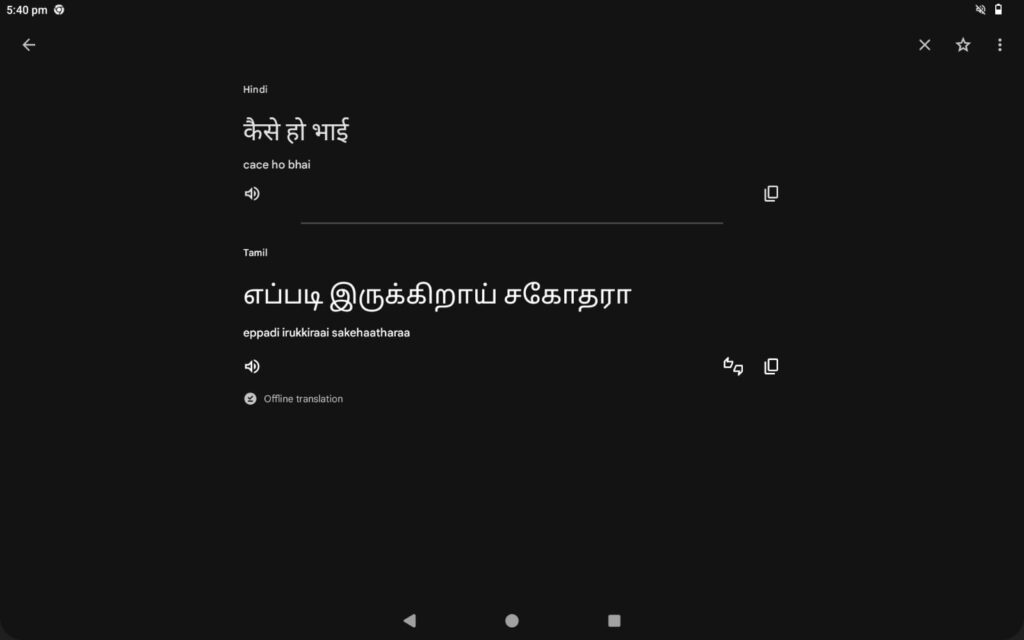
01. Google Translate
A lifesaver for travel. By downloading specific language packs (like Hindi or Tamil), you can translate text and signs using on-device machine learning without any data.
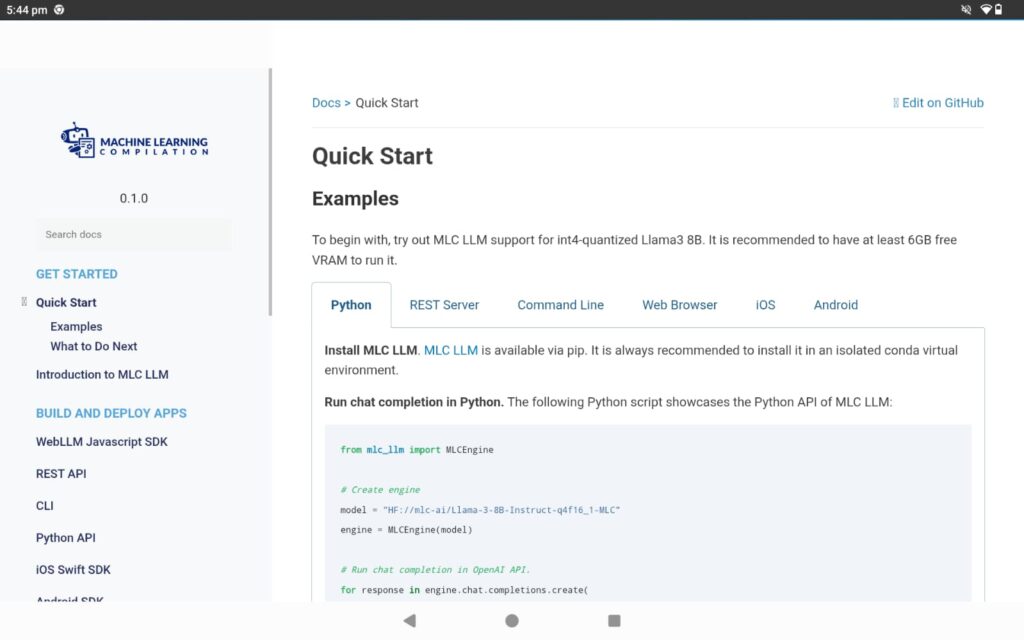
02. MLC LLM
An open-source project that allows you to run a variety of large language models locally on your Android device, provided you have the hardware capacity.
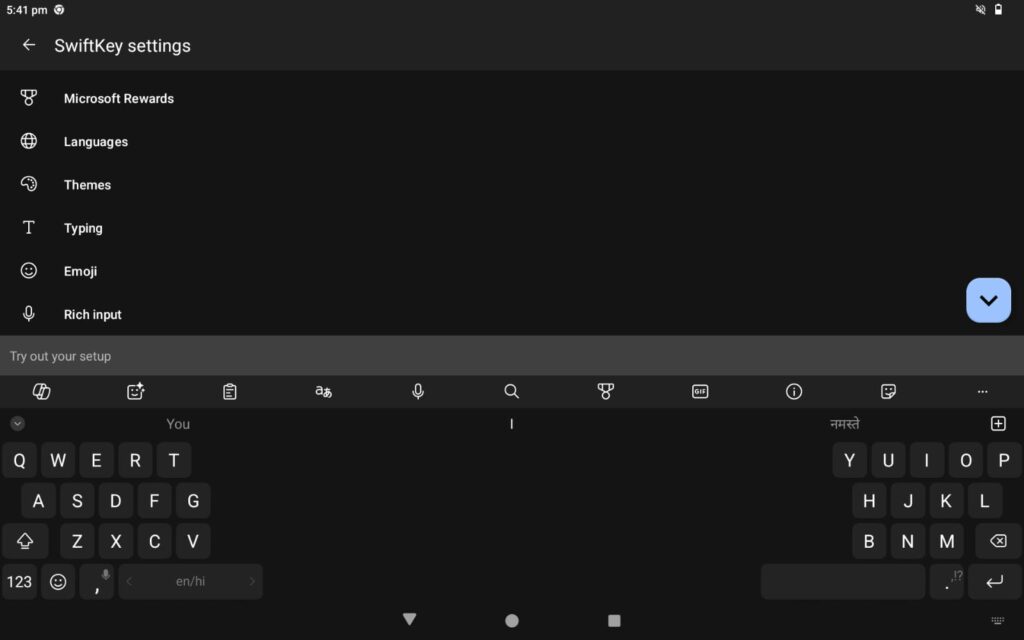
03. Microsoft SwiftKey
It offers robust on-device processing for features like voice-to-text and predictions, making it faster and more private.
04. Google Photos (On-Device Search):
It uses local AI to recognize faces, objects, and text within your photos entirely offline.

Why “Offline” Sometimes Still Needs the Internet
But here’s the real issue: Data Syncing and Verification.
Even if the AI model lives on your phone, some apps periodically verify licenses or sync data online to ensure everything is up to date. If you’ve been completely disconnected for a long period, the app might prompt for a quick “check-in” with the server before it lets you continue using premium offline features.
Troubleshooting: Why is it breaking?
If you have a capable phone and it’s still not working, try these steps:
- Check Background Settings: Some Android skins aggressively optimize background activity. Go to your app settings and ensure your AI tool isn’t being restricted by “Battery Saver” modes.
- Verify Model Downloads: Open the app settings and double-check if the “Offline Model” or “Language Pack” is fully downloaded. A partial download will always cause the app to fail.
- Clear System AI Cache: In your settings, look for “Private Compute Services” (on newer Android versions). Clearing the cache here can sometimes reset the on-device learning modules that have glitched.
Simple Hardware Truths: CPU vs. NPU
Let’s be practical. If you’re using an older device, “True Offline Generative AI” (like writing a long report completely offline) might feel sluggish. This isn’t necessarily a “fault”—it’s just that the processor is handling a task that requires immense power. Modern chips are now being built with “pockets” specifically for AI, making these tasks feel instant.
PRO TIPS
Storage Space: Offline AI models need “room to breathe.” If your phone storage is almost full, the AI may fail to load properly.
Heat & Throttling: Running AI locally generates heat. If your phone gets too warm, the system might slow down the AI to protect the hardware.
Privacy Benefits: The biggest advantage of offline AI is that your data stays on your device, making it much safer for sensitive or personal work.
Manual Updates: Unlike cloud AI, offline models don’t update themselves automatically. You’ll need to occasionally connect to the internet to get the latest “brain” improvements.
Comparing Offline Apps vs. Browser AI
Is it worth the effort?
| Feature | Offline AI Apps | Browser-Based AI (ChatGPT/Claude) |
|---|---|---|
| Privacy | High (Local processing) | Standard (Cloud processing) |
| Availability | Works in “No Signal” zones | Requires stable 4G/5G/Wi-Fi |
| Battery Impact | Higher (Uses phone’s power) | Lower (Uses server’s power) |
| Setup | Requires large downloads | Works instantly |
What’s Next for Mobile AI?
We are moving toward a future where “Hybrid AI” becomes the norm. Your phone will intelligently decide: if the task is simple, it stays offline (saving data); if the task is complex, it pings the cloud. This will make our devices much smarter without eating up all our storage or battery.
Final Recommendation
For students, focus on downloading offline packs for translation and scanning tools. They are highly optimized for most phones. For tech enthusiasts, exploring local LLMs is a great way to see what your hardware is truly capable of.
Offline AI isn’t perfect yet, but with the right settings and realistic expectations, it can be a powerful tool in your daily life.
Disclaimer:
This article is for educational and informational purposes only. It should not be considered financial, technical, or professional advice. Readers should verify tools and use them at their own discretion.
Leave a Reply